From the first entry to a full year
Every section starts with numbers you record. Mahwarak organises them and shows the calculations; it does not give financial advice.
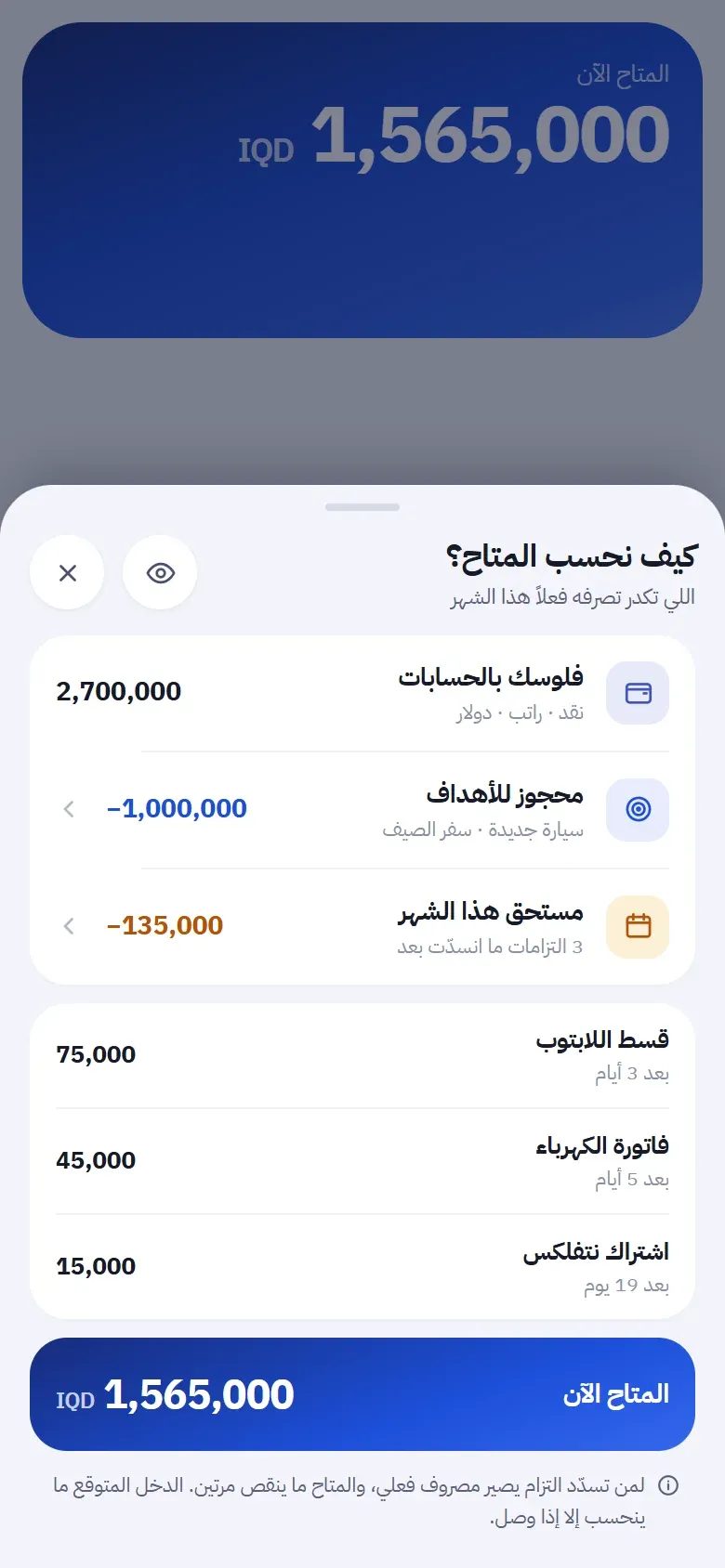
Available now
See what remains after money set aside and commitments due through month-end. Expected income counts only when it arrives.
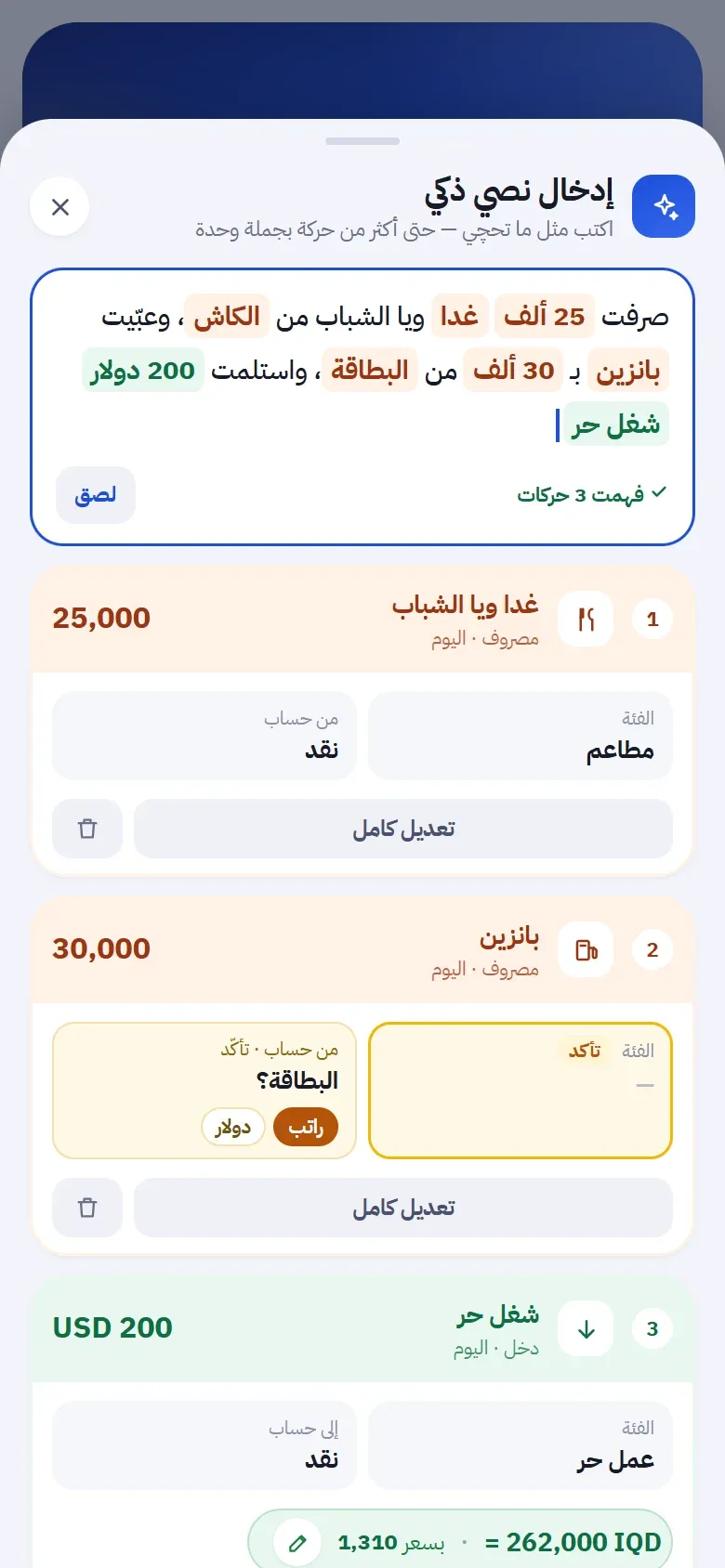
Entry and assistant
Type one sentence and receive several drafts. Ask about recorded numbers, then review before saving.
Receipts
Photograph a receipt or read a QR code. Processing happens on your phone, and you review the amount, type, and account.
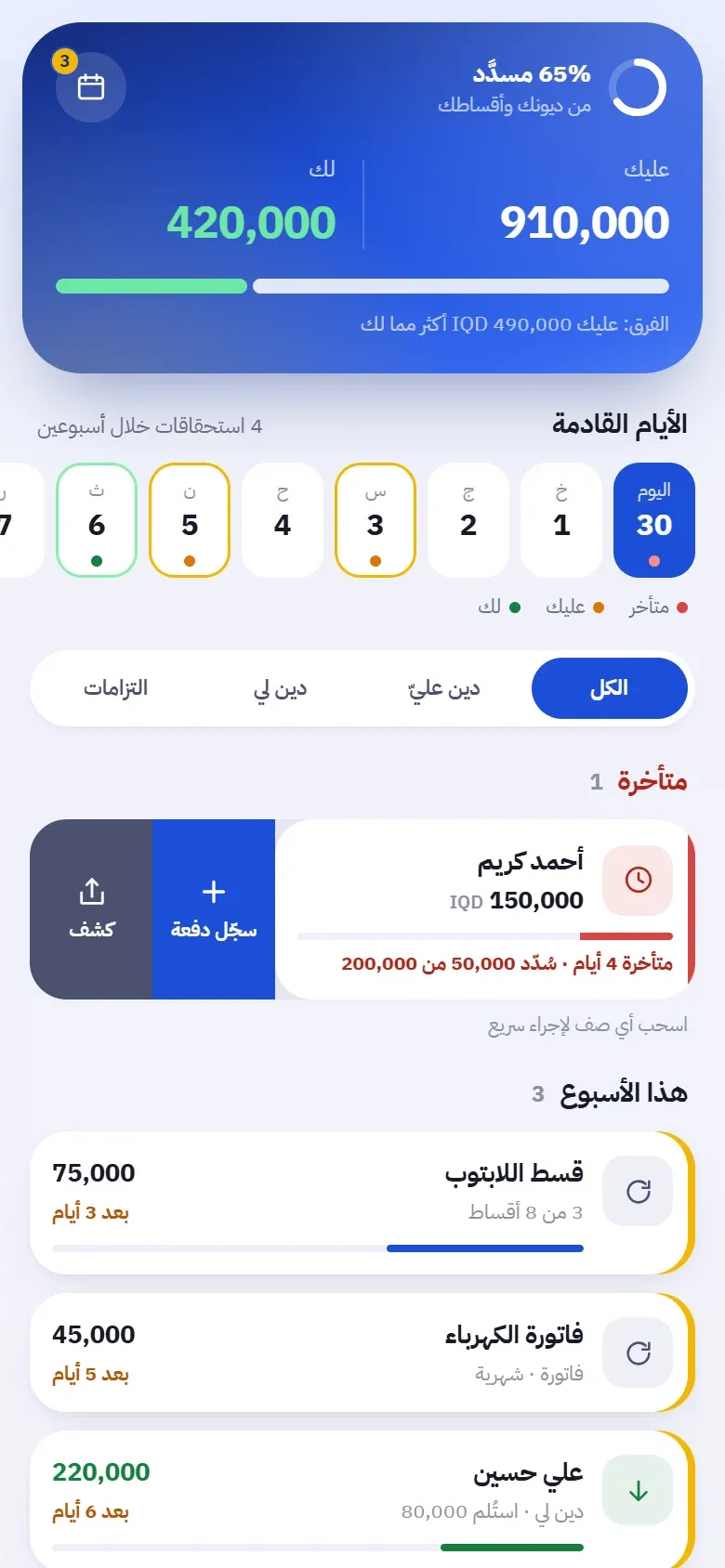
Follow-ups
Keep debts, instalments, subscriptions, and bills together with dates and partial payments.
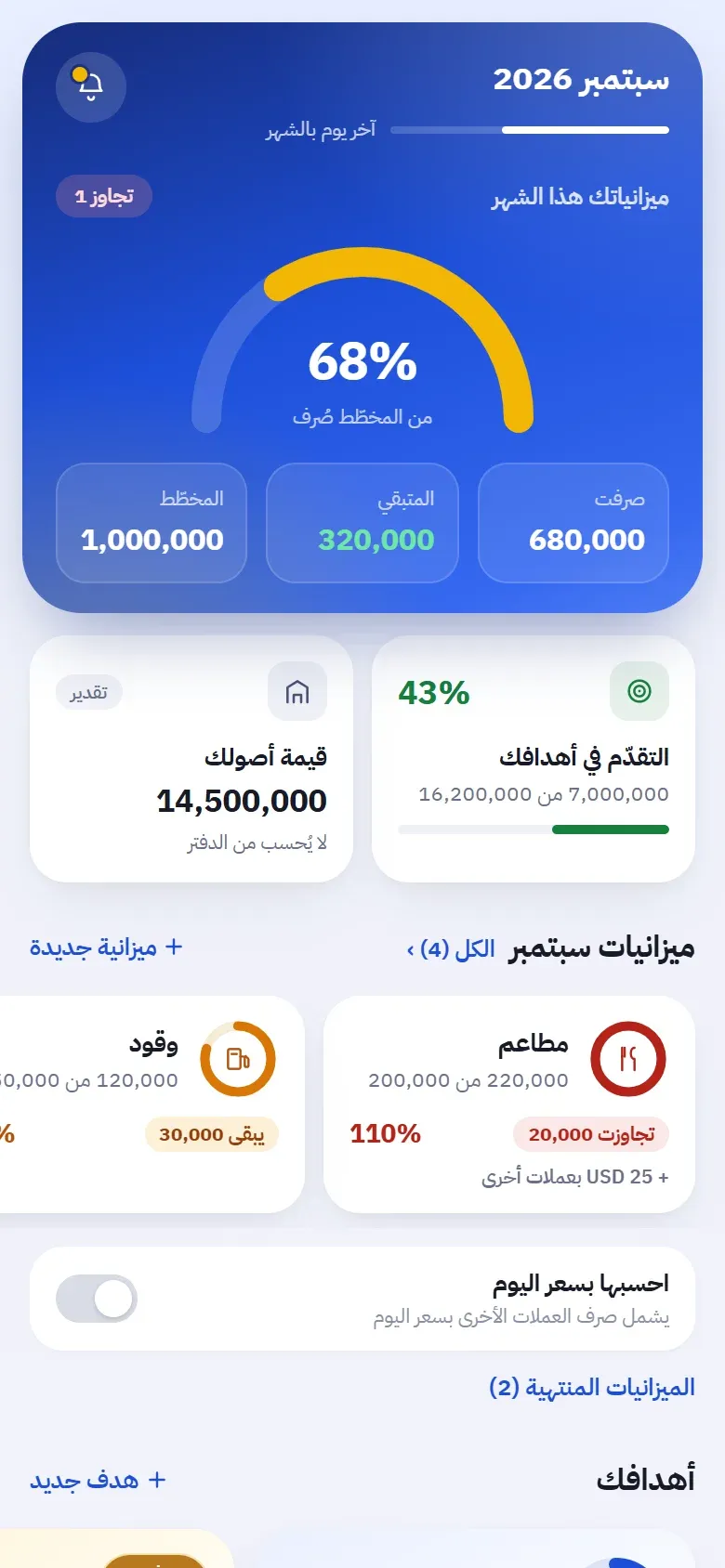
Planning
Set a category budget, reserve money for a goal, and record assets and sulfa payments.
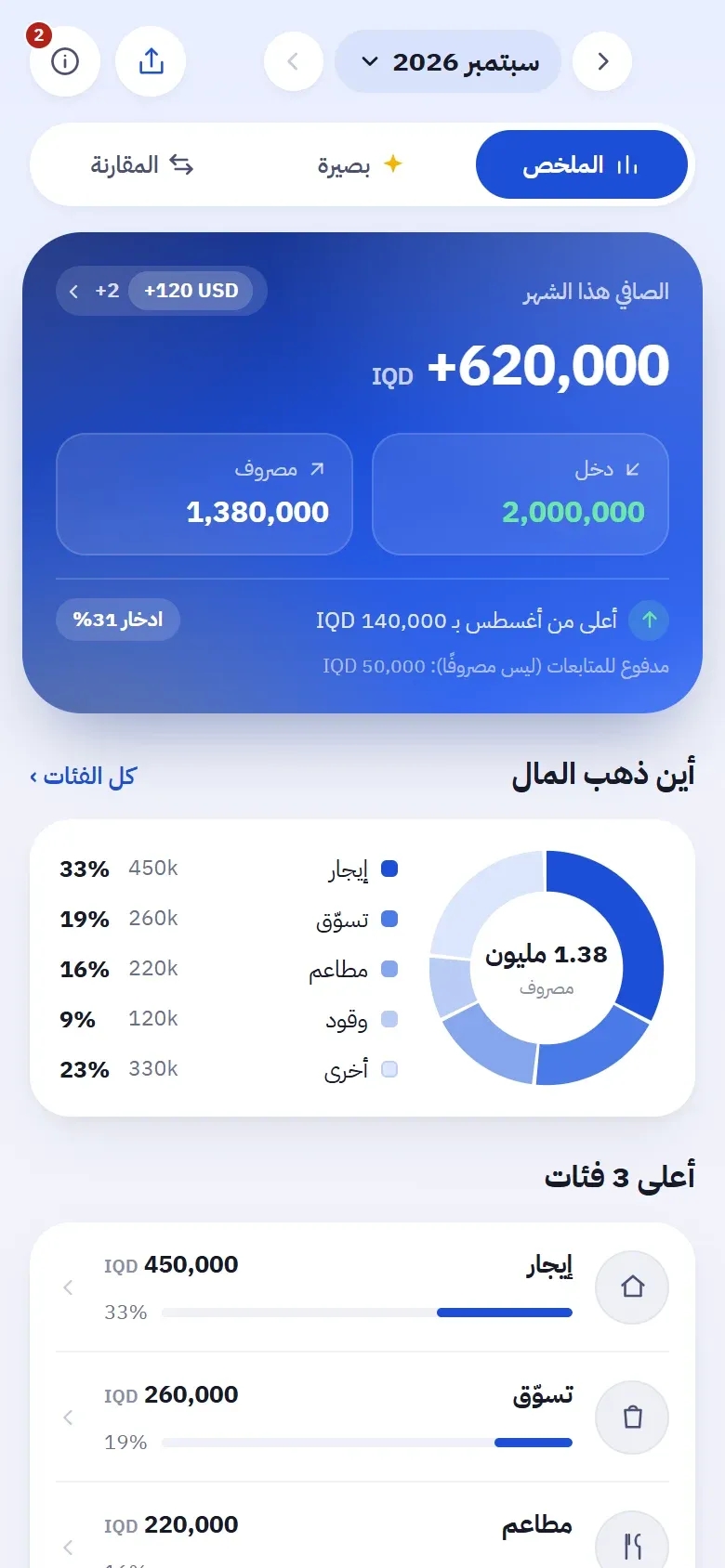
Summary
Review income, spending, net movement, and categories for the month from what you recorded.
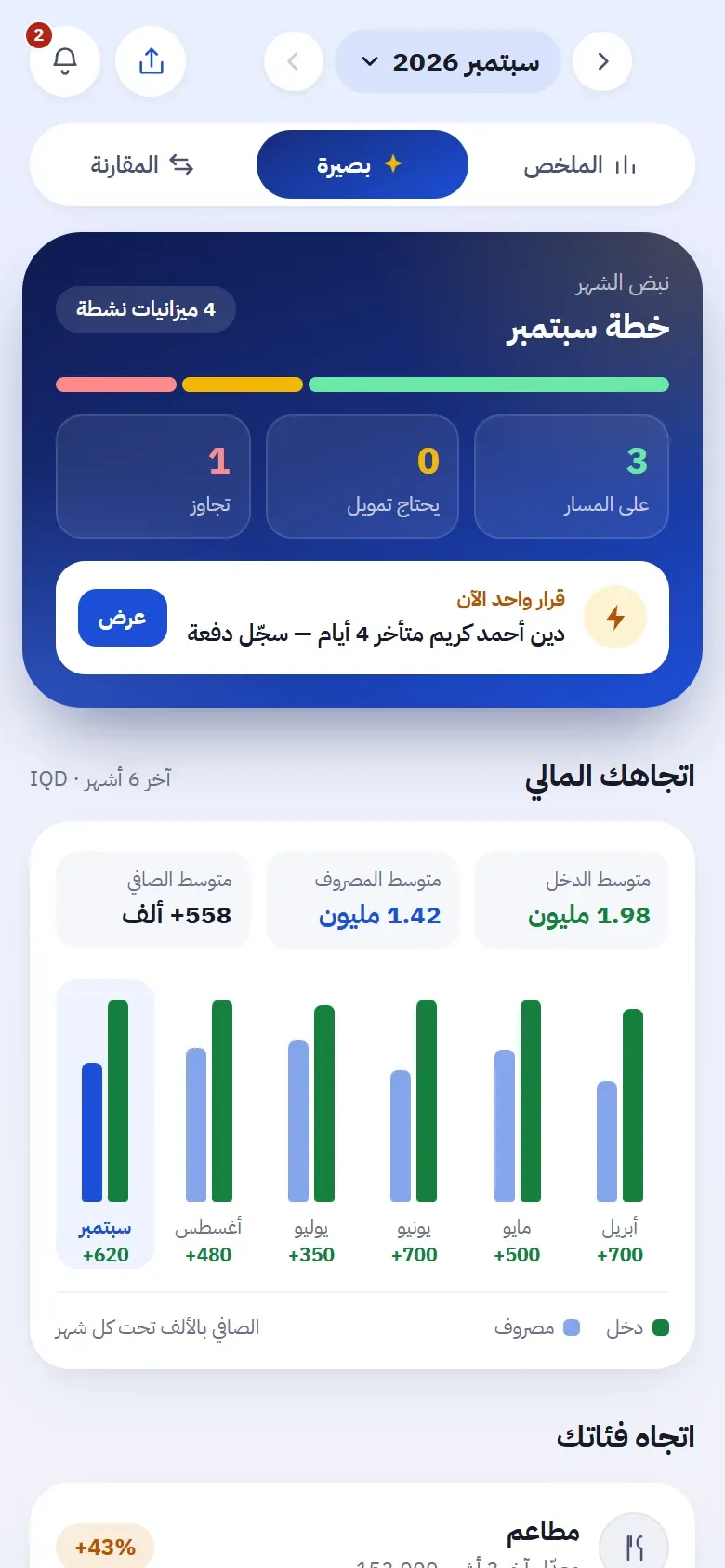
Basira
See the month pulse, direction across months, changing categories, and the days you spend more.
Comparison
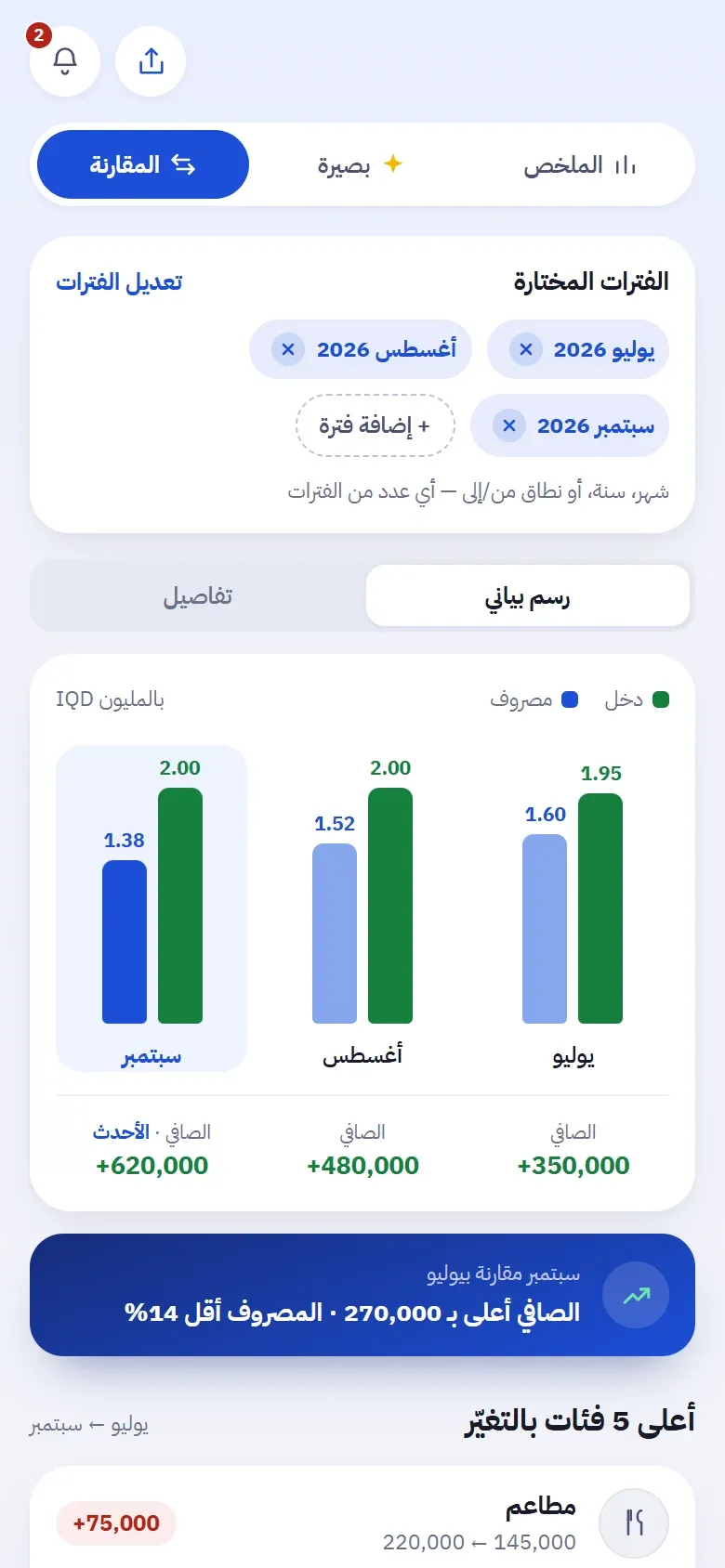
Place months, a full year, or a chosen range side by side, then open the reason for a difference.
Reports
Export a formatted PDF or a CSV you can open in Excel. You choose the range and accounts.
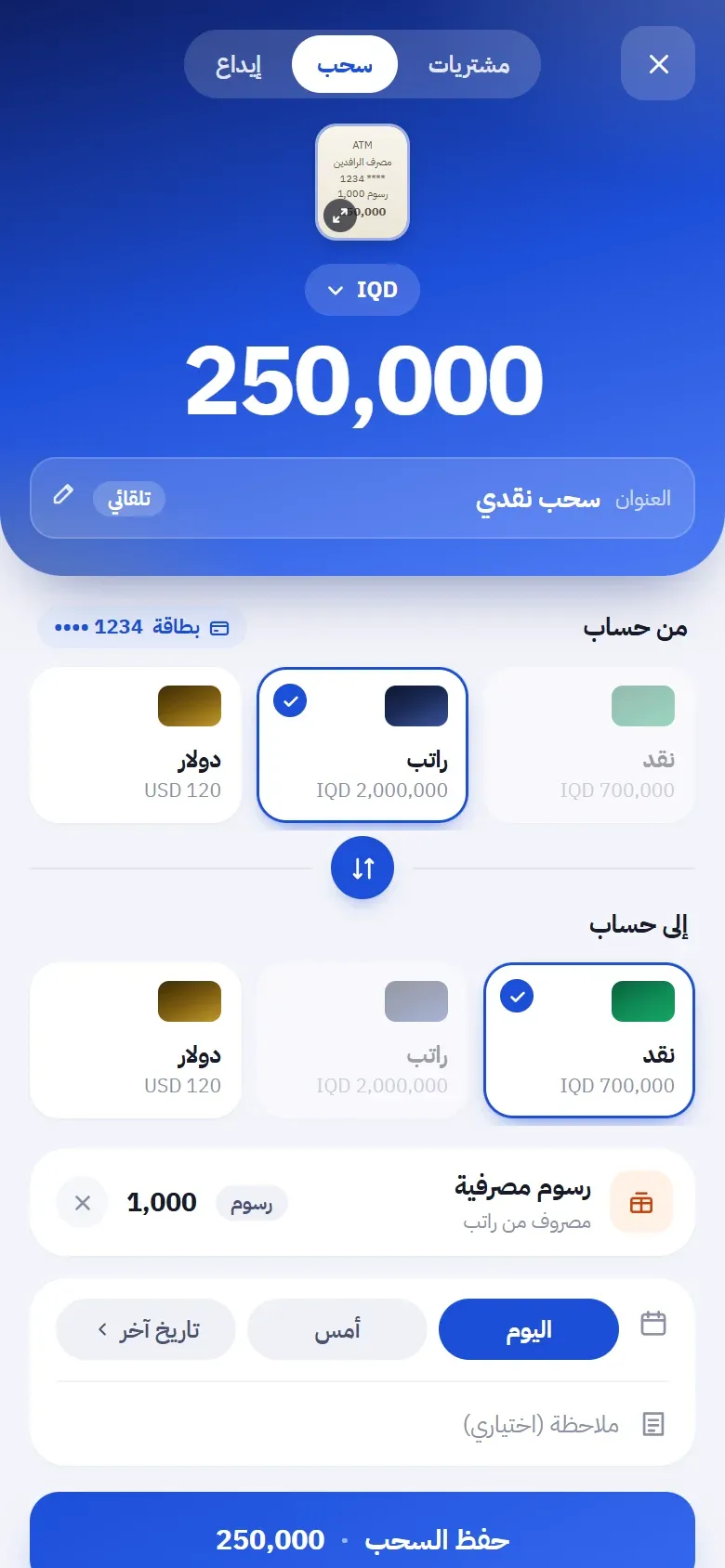
Currencies
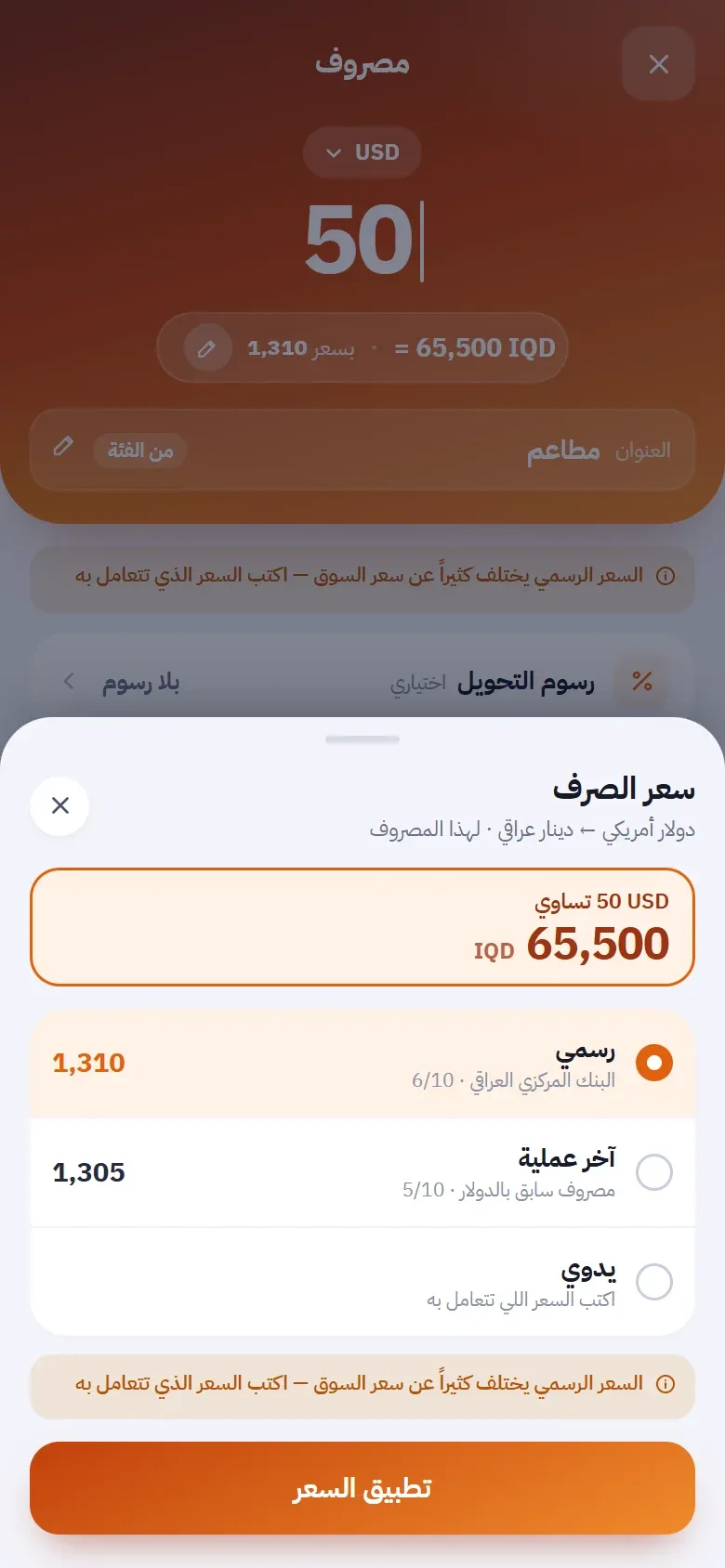
Each account keeps its currency. Use an official rate when available, your last transaction, or a manual rate.
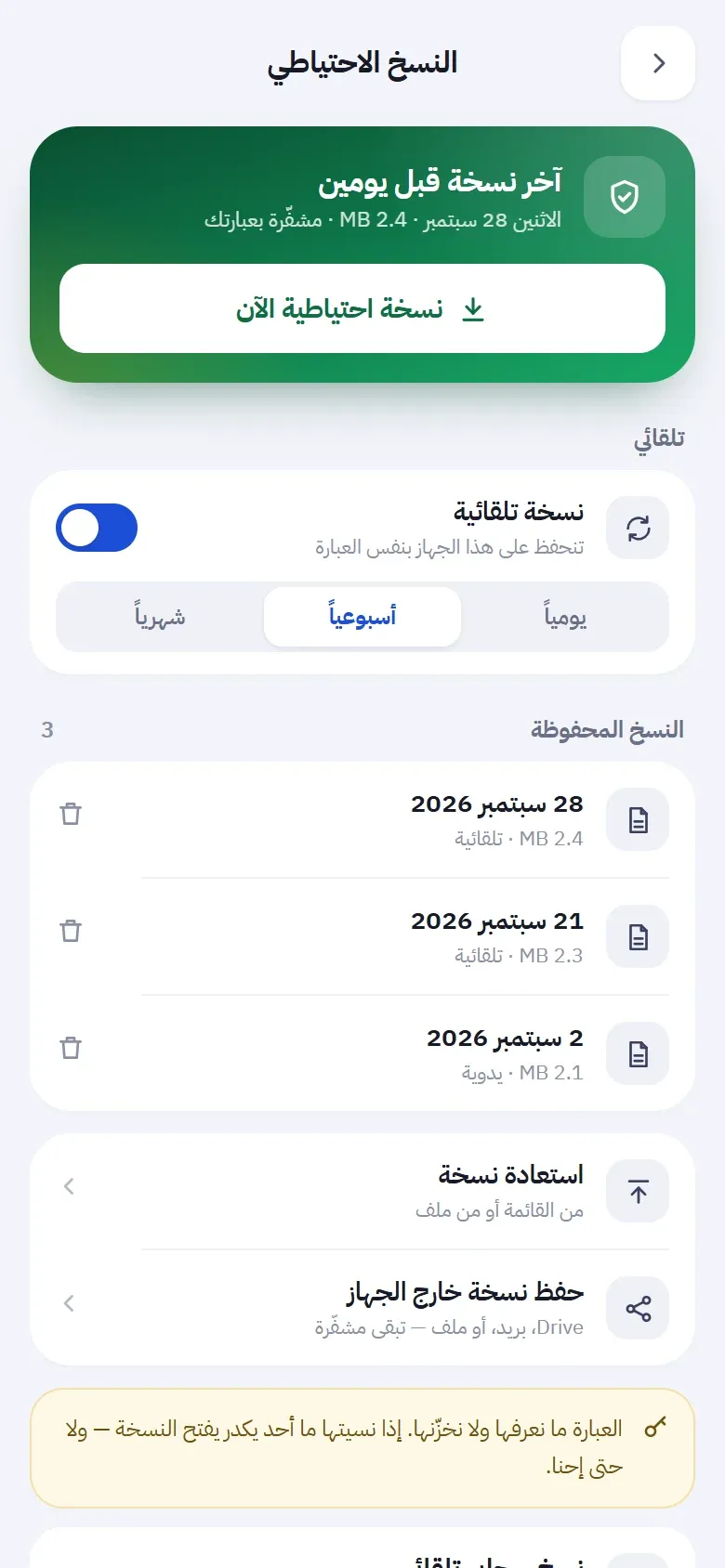
Security and backup
Lock the app, hide balances, and keep an encrypted backup file protected by your password.